
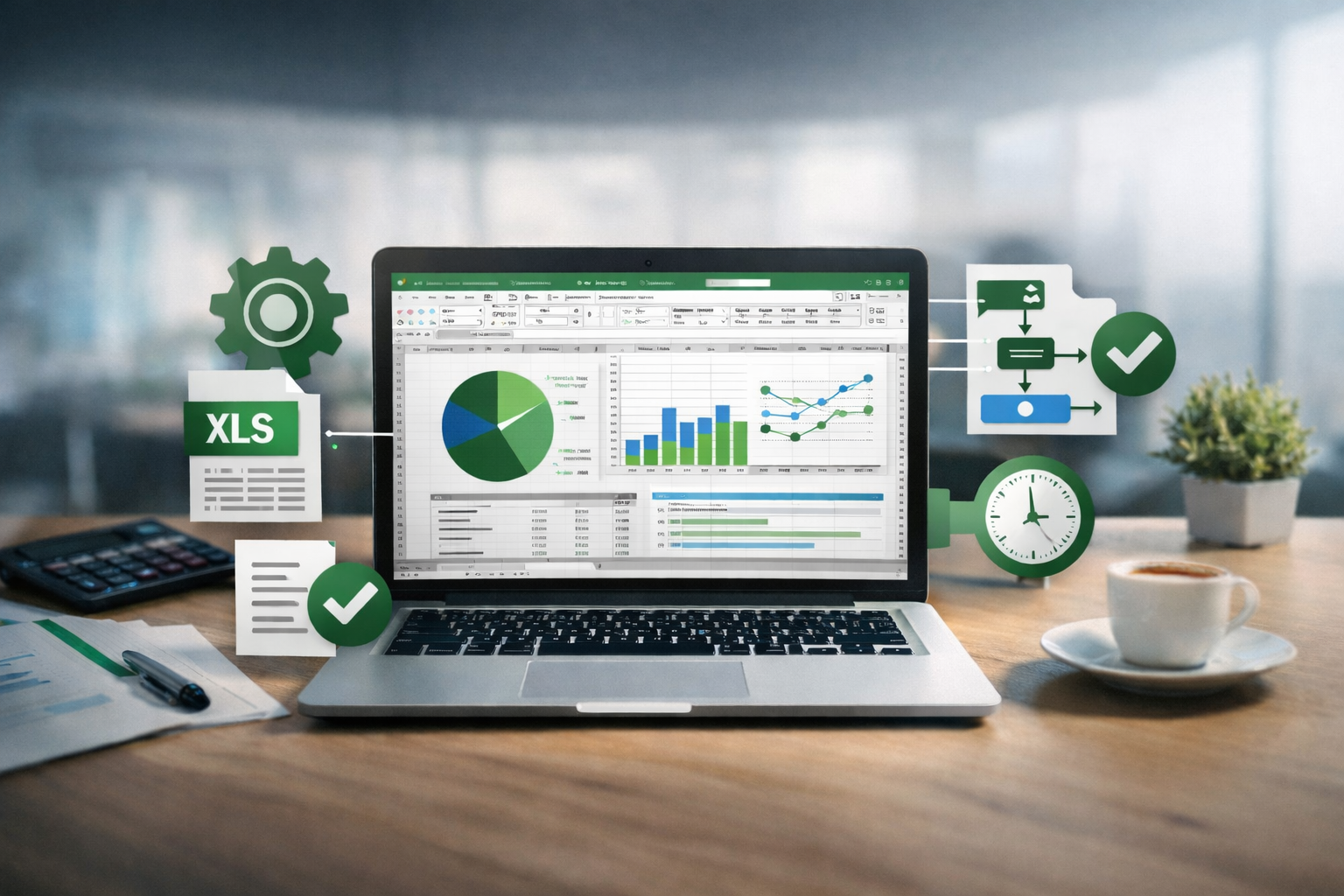
Excel automation services Australia
Excel is one of the most powerful tools available to small businesses and organisations — but only when it’s set up properly.
At IndigoHub, we provide Excel automation services in Australia, transforming messy, time-consuming spreadsheets into clear, automated systems that save hours of work, improve accuracy, and make everyday tasks easier.
Our Excel automation services are designed for people who want reliable, efficient workflows without needing advanced technical expertise.
🎯 Why Automate?
🎯 Save time
Routine tasks that took hours can take seconds.
🎯 Reduce errors
Clear formulas and structured data prevent mistakes.
🎯 Improve organisation
Your spreadsheets become clean, consistent, and user-friendly.
🎯 Work smarter, not harder
Automations allow you to focus on work that matters.
🎯 Easy for anyone to use
Even if the system behind the scenes is complex, the front end remains simple.
⚙️ What We Can Do
⚙️ Automation
Reduce manual work with formulas, macros, and scripts.
⚙️ Custom Templates
Simple, professional templates for invoices, attendance, budgets, and reports.
⚙️ Dashboards
Clear visual dashboards for tracking data and trends.
⚙️ Data Cleaning
Fix duplicates, broken formulas, and messy layouts.
⚙️ Reporting
Automated reports that update with new data.
⚙️ Education & Community Workflows
Attendance, tracking, assessments, and resource management.
⚙️ Salesforce Administration (Limited)
Basic admin and reporting support for existing Salesforce systems.
💬 Who This Is For
Our Excel automation service supports:
- Small businesses
- Educators and schools
- Community groups and NFPs
- Administrators and program coordinators
- Freelancers and consultants
If you rely on spreadsheets but wish they worked better, this service is for you.
Feel free to explore the many powerful possibilities Excel offers before reaching out to us.
-
Introduction to Pivot Tables, Charts, and Dashboards in Excel (Part 2)
Automating Excel workflows PivotTables are one of the most powerful tools in Excel — especially when combined with automating Excel workflows. When set up correctly, they allow you to turn raw data into clear, reliable reports that update automatically, saving hours of repetitive work and minimising errors. Understanding how PivotTable calculations work is an essential…
-
Introduction to Pivot Tables, Charts, and Dashboards in Excel (Part 1)
Custom Excel dashboards This video demonstrates how custom Excel dashboards can be built using Pivot Tables and Pivot Charts to turn complex data into clear, interactive reports. It showcases the process from clean data setup through to advanced visualisation techniques that support accurate, real-time insights. At IndigoHub, we design custom Excel dashboards as part of…
-
8 new features in Microsoft Excel (October 2025)
Excel automation for businesses This tutorial highlights eight new Microsoft Excel 365 Desktop features, including Copilot Chat, enhanced PivotTable refresh, Focus Cell, and new REGEX functions — all designed to save time and improve efficiency. At IndigoHub, we use these tools as part of our Excel automation for businesses, helping organisations move beyond manual spreadsheets…
-
Make a Custom Sidebar in Excel
Custom Excel navigation menus This video demonstrates three approaches to building custom Excel navigation menus, showing how interactive menus can improve usability and make complex workbooks easier to navigate. It culminates in a sidebar-style menu created with shapes and hyperlinks, designed for smooth, intuitive movement between sheets and sections. At IndigoHub, we design custom Excel…
-
Top-20 Microsoft Excel Tips and Tricks
Business Excel optimisation This step-by-step video showcases 20 practical Microsoft Excel techniques designed to support business Excel optimisation, helping organisations work more efficiently and reduce time spent on manual tasks. The examples cover a wide range of everyday business scenarios, including formulas, PivotTables, data import, collaboration features, and workflow improvements. Together, these techniques demonstrate how…
-
Automation of To-do lists
Business task automation in Excel This tutorial demonstrates how business task automation in Excel can be used to automatically archive completed tasks from a to-do checklist, helping organisations keep their working files clean, current, and easy to manage. Automating routine task handling reduces manual updates, minimises errors, and ensures that active task lists always reflect…
📊 Start Your Excel Automation
Ready to simplify your spreadsheets and reduce manual work?
👉 Contact us to discuss your project or request a quote.